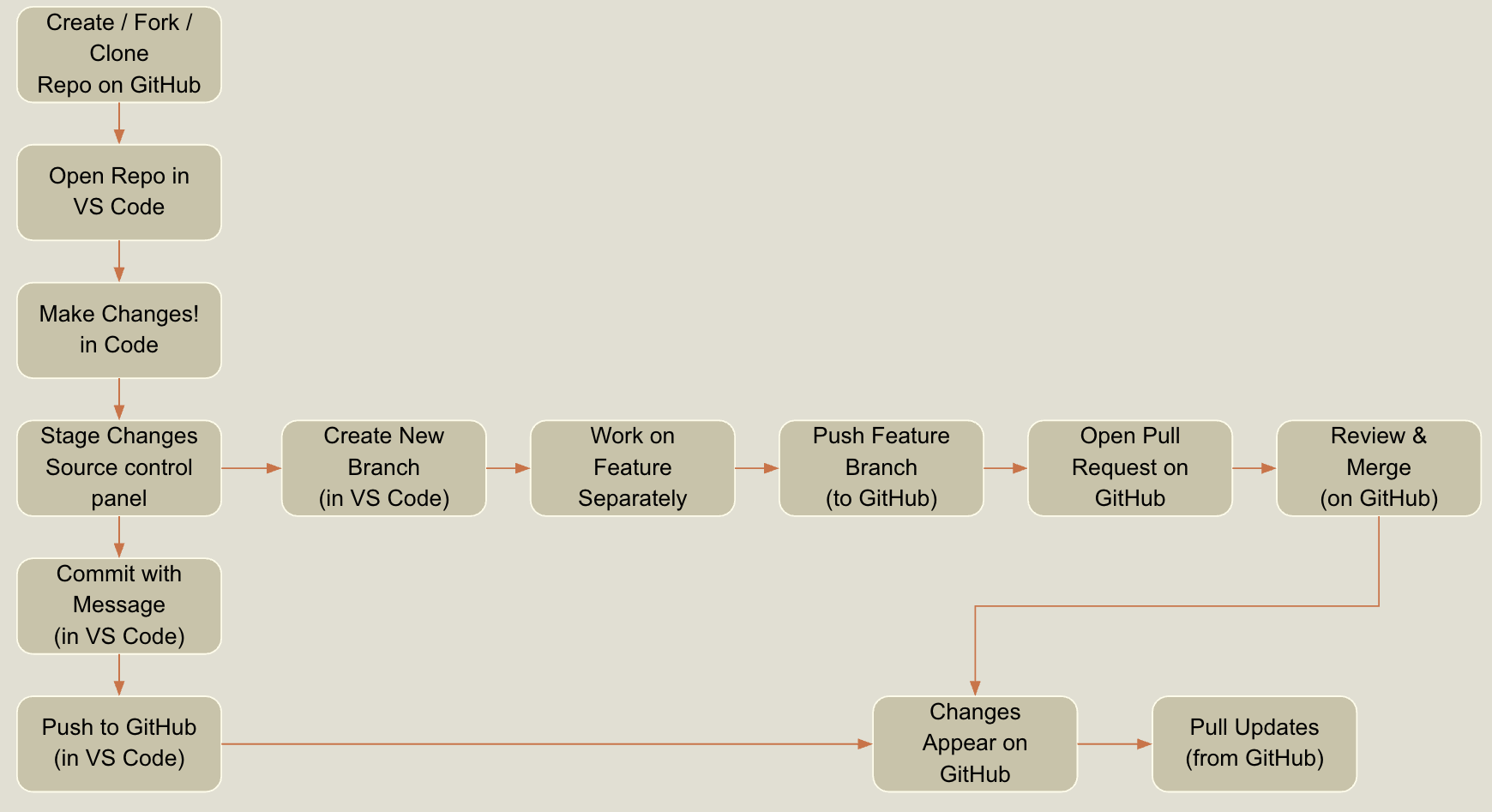
While some tools like GitHub Desktop offer a graphical interface, many developers use Git through the command line, a text-based way to interact with your computer. It might feel unfamiliar at first, but it gives you a lot of control and speed once you get the hang of it. To use Git this way, you’ll open a terminal (on macOS/Linux) or Git Bash (on Windows), then type commands to tell Git what to do, like checking the status of your files or pushing your changes to GitHub.
Git is a powerful tool for managing your work. While it’s most commonly used for tracking code, it’s not limited to that. Git can be used to version and manage all kinds of files, including Word documents, spreadsheets, and other types of content. It’s essentially a smart file management and backup system that helps you track changes over time, recover earlier versions, and collaborate with others more effectively.
Like any tool, Git works best when you understand how to use it properly. Just as you’d turn to a user manual to operate a piece of equipment or troubleshoot an issue, developers frequently consult Git documentation to understand commands, resolve errors, or learn new techniques.
You’re not expected to memorize everything. Instead, part of being an effective problem solver is knowing how to find and use the right resources when you need them. This habit isn’t just about using Git, its a core part of problem solving in general: identifying the challenge, exploring resources, and applying what you learn to find a solution.